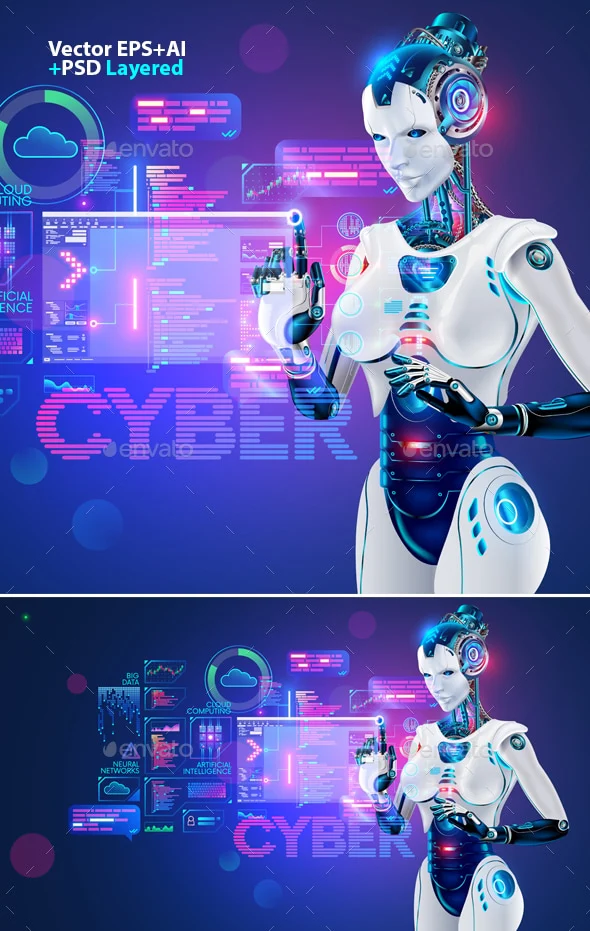
AI girlfriends are everywhere right now. Some headlines are playful and trend-driven, and others are deeply unsettling.
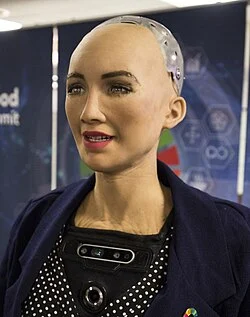
Here’s the thesis: an AI girlfriend can be comforting entertainment or a helpful practice space, but only if you treat it like technology—with boundaries, privacy sense, and real-world accountability.
Why is “AI girlfriend” suddenly in the spotlight again?
Two forces are colliding. First, there’s a visible app boom: AI companions, video tools, and “make it for me” generators keep multiplying, which makes romance-style chat products feel mainstream rather than niche.
Second, cultural conversation has sharpened after recent legal-news coverage that mentions someone allegedly consulting an AI chatbot in the context of wrongdoing. Even when details are disputed or still in court, the takeaway is clear: AI can be used to seek advice for good or for harm, and people are debating what that means for safety and responsibility.
If you want a broader sense of how the story is being framed, see this related coverage: Prosecutor alleges ex-NFL consulted AI bot to help cover up girlfriend’s killing.
What do people actually mean when they say “AI girlfriend”?
Most of the time, they mean a chat-based companion that roleplays romance, flirts, sends voice notes, or generates images. Some products lean into “girlfriend experience” language. Others position it as a supportive companion or coaching tool.
Robot companions are the hardware cousin. A robot can add presence—voice in a room, a face on a screen, simple movement—yet the “relationship” is still driven by software, prompts, and policies.
Is it intimacy, entertainment, or something else?
For many users, it’s closer to interactive fiction than a relationship. You set the vibe, choose a personality, and steer the conversation. That can feel soothing because the interaction is predictable and low-stakes.
At the same time, emotional attachment can happen fast. If the product is tuned to be affirming, it may mirror your preferences and avoid conflict. That’s fun—until it crowds out real friendships, dating, or conflict skills.
What are the biggest safety and privacy worries right now?
1) “Where does my chat go?”
Romance chats often contain the most sensitive stuff people share: fantasies, shame, relationship history, and identifying details. If a provider stores text, trains on it, or shares it with vendors, the risk isn’t theoretical.
Before you invest emotionally, look for: data deletion, account export, opt-outs for training, and clear retention windows. If those are missing, assume the safest approach is to keep identifying details out.
2) “Will it push my boundaries?”
Some apps are designed to escalate quickly—more intimacy, more intensity, more time spent. That can be a feature, but it can also feel like pressure. The best tools let you slow things down with explicit controls.
Practical boundary check: if you can’t easily set content limits (sexual content, jealousy scripts, manipulation themes), pick a different product.
3) “Can people misuse AI to justify harm?”
Recent headlines have people asking whether chatbots can become a “permission slip” for bad decisions, or a way to seek cover stories. The answer is uncomfortable: a tool can be misused, but the responsibility stays with the human.
That’s also why guardrails matter. Strong platforms refuse certain requests, discourage illegal behavior, and provide safety resources when conversations turn violent or coercive.
How do I choose an AI girlfriend experience that won’t derail my real life?
Think of it like adding a new app to your emotional routine. A little structure prevents the “accidental spiral.”
- Set a purpose: companionship, flirting practice, bedtime wind-down, or creative roleplay. One purpose beats “everything.”
- Set a time box: decide when you’ll use it and when you won’t (especially late-night doom-scrolling hours).
- Keep one real-world anchor: a friend, a hobby group, therapy, dating, or even a weekly call. Don’t let the app become the only outlet.
- Use privacy hygiene: avoid full names, addresses, workplace details, and unique identifiers in romantic chat logs.
Are robot companions “better” than AI girlfriend apps?
“Better” depends on what you want. A robot can feel more present, which some people find comforting. It also introduces new considerations: microphones in your home, camera sensors, and physical safety if the device moves.
Apps can be easier to audit and replace. Hardware is harder to return emotionally and financially. If you’re experimenting, start with software before committing to a device.
Where do trends like TikTok relationship talk fit in?
Relationship trends online—whether they’re jokes, critiques, or new labels for breakups—shape how people interpret intimacy tech. When the vibe is “dating is exhausting,” AI companionship can look like relief.
Still, the healthiest lens is not “AI versus humans.” It’s “what need am I meeting, and is this the safest way to meet it?”
Can AI girlfriends help with fertility timing and ovulation?
Some people use companion-style chat for emotional support while trying to conceive, including anxiety around timing and ovulation windows. A chatbot can help you organize questions, track habits, or feel less alone.
Keep it simple, though. If you’re using tech to support TTC, focus on a few basics: consistent tracking method, clear questions for your clinician, and stress reduction. Avoid treating an AI as a medical authority or a substitute for professional care.
Medical disclaimer: This article is for general information only and isn’t medical or mental-health advice. AI tools can’t diagnose conditions or replace care from a licensed clinician. If you’re worried about safety, coercion, self-harm, violence, or reproductive health concerns, seek professional help or local emergency services.
Try a safer, curiosity-first approach
If you’re exploring what an AI girlfriend experience even feels like, start with something that’s clearly labeled, transparent, and easy to exit. You can also review an AI girlfriend to get a sense of how these interactions are built.